
Images are one of the most important visual elements on websites, blogs and e-commerce stores. However, large graphic files can significantly slow down page loading, increase data transfer consumption and burden servers. That's why you should consider compressing images and using modern formats such as WebP.
1. Why Reduce Images?
a) Faster page loading
Websites that contain large image files may take a long time to load, negatively impacting the user experience. Google and other search engines promote fast websites in search results, so it is worth taking care of image optimization. The smaller the image size, the faster your website will load.
b) Less data transfer consumption
If your website has a lot of traffic, every megabyte matters. Mobile users who use limited internet packages will also appreciate the lighter image files. Thanks to image compression, you can save up to several dozen percent of data transfer.
c) Better server performance
When a user visits a website, the server must send him files. The larger the files, the greater the server load, which may result in longer response times and higher infrastructure maintenance costs. By compressing images, we reduce server load and improve overall site performance.
2. Why use the WebP format?
a) Smaller file size while maintaining quality
WebP is a modern image format developed by Google that offers an excellent ratio of quality to file size. WebP images can be up to 30-50% smaller than traditional JPEG and PNG formats while maintaining comparable quality.
b) Supported by most browsers
While WebP was not widely supported a few years ago, it is now supported by most popular browsers, including Google Chrome, Firefox, Edge, and Opera. Thanks to this, you can safely convert images to this format and enjoy their smaller size.
c) Supported by CMS and e-commerce systems
Popular platforms such as WordPress, Shopify and Magento allow the use of the WebP format. So you can easily resize the image and change the extension to WebP without worrying about compatibility.
3. How to shrink the image and save in WebP?
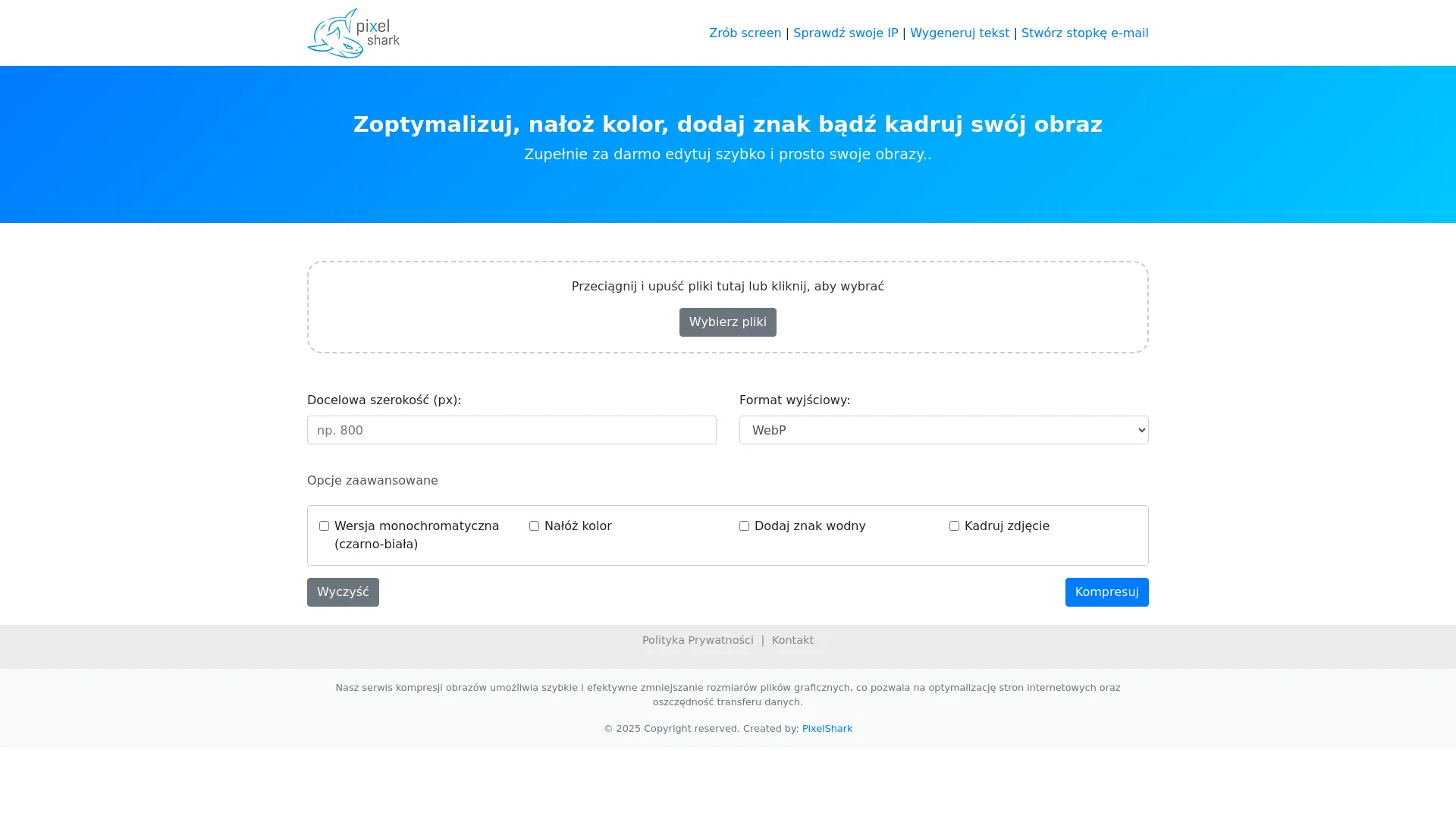
If you are wondering how to shrink an image and change its extension to WebP, it is worth using dedicated tools such as PixelShark. This website offers a simple and intuitive option to compress photos, reduce their weight and save them in the modern WebP format.
To use the tool, just go to the website: http://reduceimage.pixelshark.eu/ and upload your file. After a while, you will receive an optimized image, ready to download and use.
4. Benefits of compressing images on a website
a) SEO improvement
Google rewards fast sites with a better position in search results. By compressing images, you can improve Core Web Vitals, which will directly impact the visibility of your website.
b) Better conversion in e-commerce
Research shows that e-commerce sites that load faster have higher conversion rates. Customers are more likely to make purchases when the page loading process is smooth and without delays.
c) Disk space optimization
Smaller files mean less space is taken up on the server. If you store thousands of product images, the space savings can be significant.
5. How to change the extension to WebP?
Changing the image format to WebP is very simple. You can use PixelShark and it will automatically do the conversion for you. Just upload your file in JPG, PNG or GIF format and download it in the new, lighter WebP format. Try this solution here: http://reduceimage.pixelshark.eu/.
6. Additional PixelShark features
PixelShark is not just about converting images to WebP. The website also offers:
- Cropping images – adapting dimensions to the user's needs.
- Applying colors and filters – improving the aesthetics of photos.
- Compress images without losing quality – reducing file size without visible visual degradation.
Thanks to this, you have full control over your graphics, and their optimization becomes quick and convenient.
7. Summary
Compressing images and using the WebP format are key steps in website optimization. Smaller image files contribute to faster page loading, saving data transfer and improving your position in search results.
If you want to reduce the image, compress it or save it to WebP, use the tool PixelShark available at http://reduceimage.pixelshark.eu/. It's a fast, convenient and free solution that will allow you to optimize your photos without losing quality.
Don't wait - reduce the image size and improve the performance of your website now!