
Introduction
Nowadays, it is extremely important to quickly and precisely document the appearance of websites. Creating screenshots of websites in various resolutions and on various devices is crucial for web developers, UX/UI designers, software testers and SEO specialists. At PixelShark we have created a free tool Screen.PixelShark.eu, which allows you to quickly take screenshots of websites in selected resolutions and simulate the appearance on various devices.
What is Screen.PixelShark.eu?
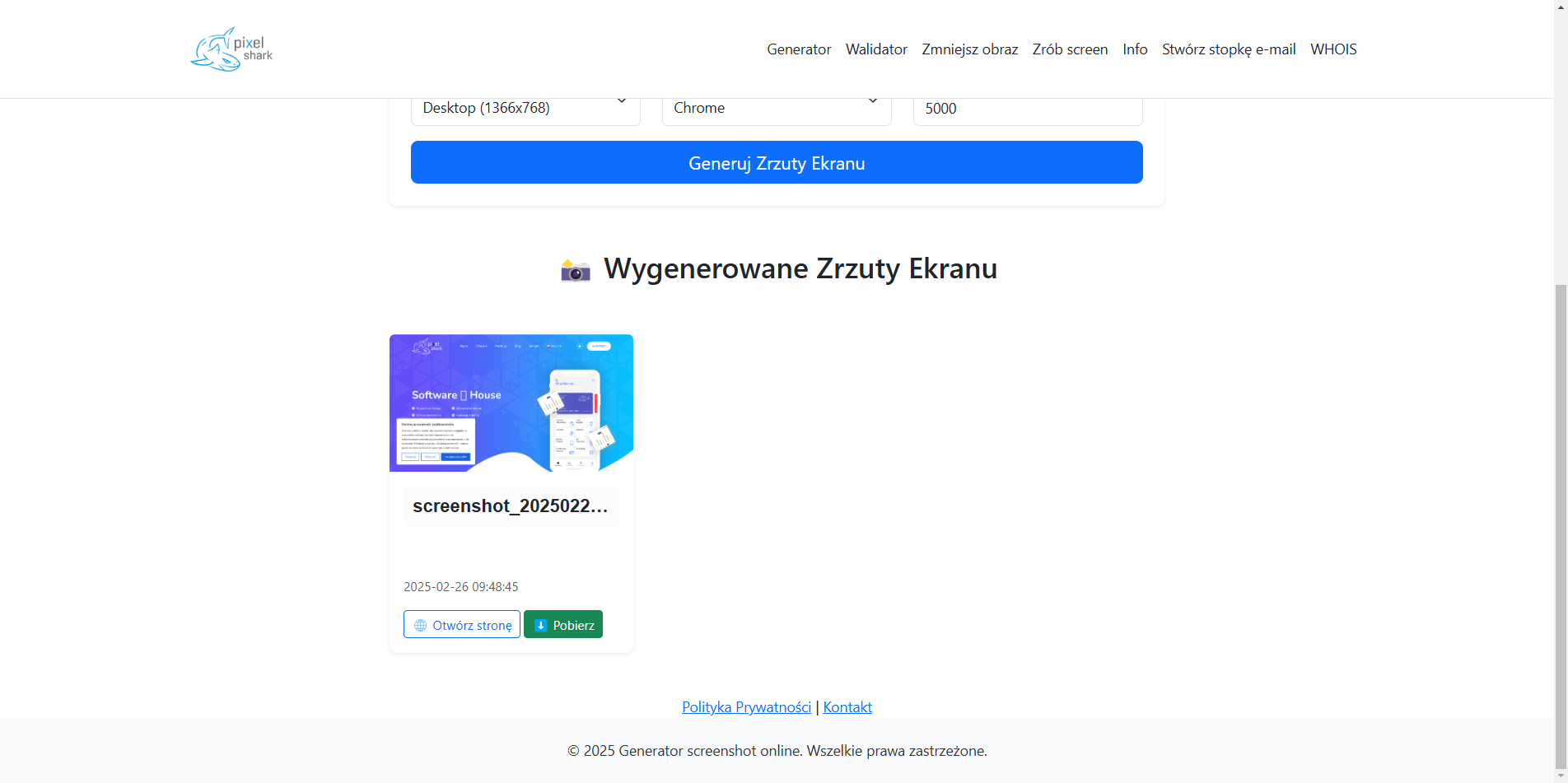
Screen.PixelShark.eu is an intuitive, free online tool that allows you to take screenshots of websites in various configurations. The tool allows you to:
- Selecting the screenshot resolution
- Simulating various devices (desktop, tablet, smartphone)
- Quickly generate screenshots without the need to install additional software
- Maintaining excellent image quality
- Optimization of website responsiveness testing processes
This is an ideal solution for both programmers, SEO specialists and content marketers.
Why Use Screen.PixelShark.eu?
- Online Availability
You don't need to download or install additional programs - our tool runs in your browser. - Wide Range of Resolutions
You can choose any settings - from standard HD screens, through 4K, to mobile screens. - Responsiveness Testing
Thanks to cross-device support, you can easily see how your website looks on smartphones, tablets and desktop computers. - Quick and Convenient Screenshot Generation
Just a few clicks are enough to save a full page screenshot. - Perfect for Testers and Web Developers
It allows you to quickly test design changes and analyze UX/UI without the need to run emulators. - Cross Browser Support
Our tool works in Google Chrome, Mozilla Firefox, Microsoft Edge and other popular browsers.
How does Screen.PixelShark.eu work?
Using our tool is very simple and consists of a few steps:
- Visit the website: http://screen.pixelshark.eu/
- Enter the website URL, which you want to dump.
- Select resolution or one of the predefined devices.
- Click the "Take screenshot" button.
- Download image and save it to your device.
That's all - without unnecessary complications and waiting!
Using Tools in Practice
For Web Developers
- Testing website responsiveness
- Checking for UI/UX changes
- Creating technical documentation for projects
For SEO Specialists
- Analysis of the correctness of page rendering at various resolutions
- Documenting errors on the website
- Presenting changes to customers
For Designers and Content Marketers
- Creating page previews for your portfolio
- Presenting projects to clients
- Creating promotional materials
Comparison with Alternative Tools
| Feature | Screen.PixelShark.eu | Other Tools |
|---|---|---|
| Free to use | ✅ | ❌ Often paid |
| Support for various devices | ✅ | ⚠️ Limited |
| Speed of operation | ✅ | ⚠️ May be slower |
| Quality of screenshots | ✅ High quality | ⚠️ Sometimes compression |
| No installation | ✅ Yes | ❌ Requires installation |